How to get smarketing: 3 easy steps to marketing that actually brings in customers
Smart marketing doesn't start with a bigger budget. Get a free audit, review what's really costing you customers, then fix the top issues and retest in a month. Here's exactly how.

4 min read
In this article
Key takeaways
- Smarketing means marketing from evidence: find out what's costing you customers before you spend more time or money.
- Step 1: Run a free audit of your website, Google profile, reviews, content and AI visibility. It takes about 30 seconds.
- Step 2: Review your issues and sort them into broken, closest to the sale, and build later. Pick your top three.
- Step 3: Fix those three, wait about a month for Google and customers to catch up, then retest and compare.
"Smarketing" is my shorthand for smart marketing: look at the evidence first, then spend your time and money where it counts.
Most small businesses do it the other way around. Something feels off, so they try a new ad, a new website or a new social platform and hope it sticks. Sometimes it does. Usually it costs a few months and a few thousand dollars before anyone realizes the real problem was a Google profile with the wrong hours.
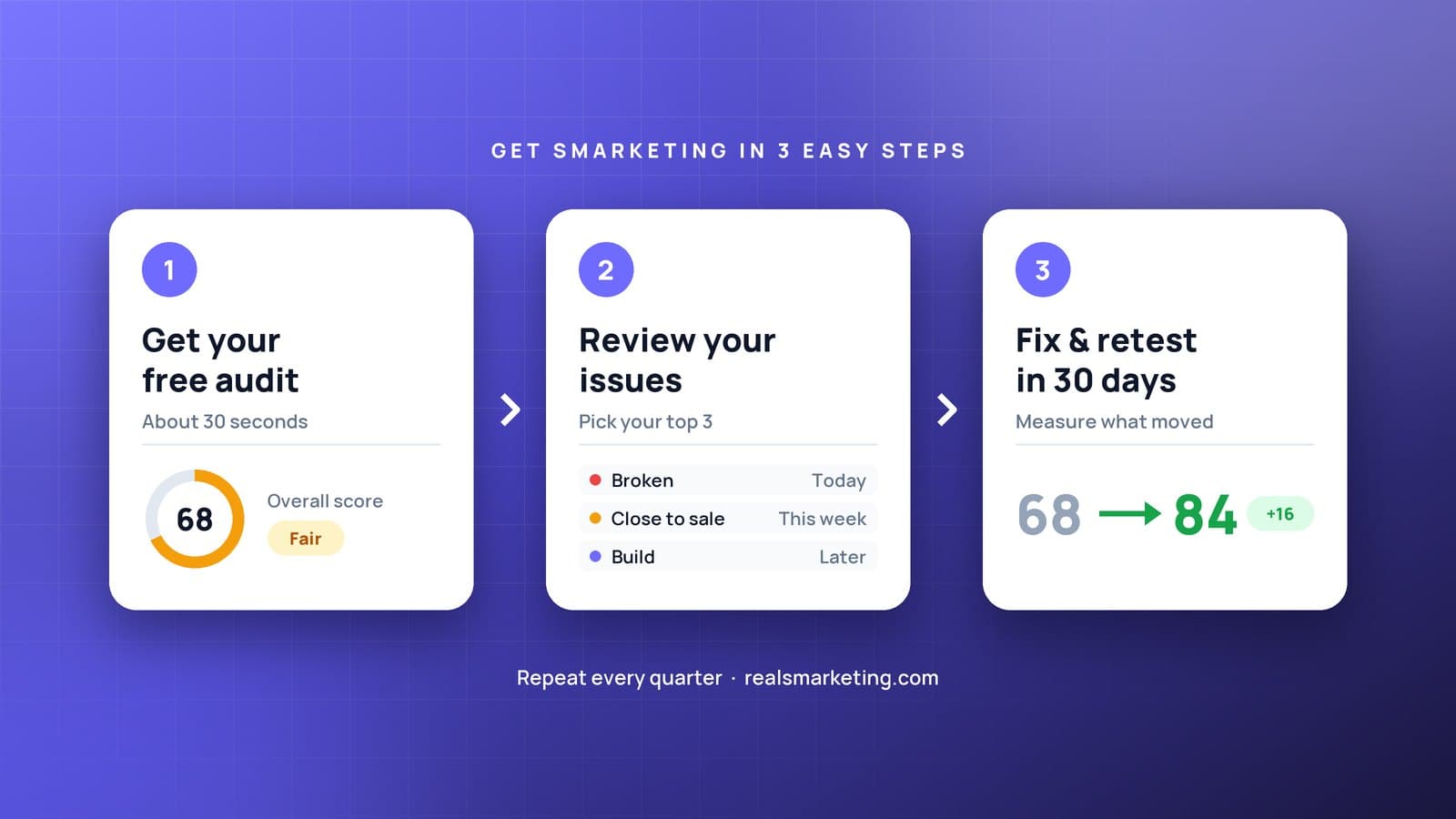
Getting smarketing takes three steps and about a month. No new software, no long contract.
Step 1: Get your free audit
You can't fix what you can't see. Start by looking at your business the way a customer does: all at once, from the outside.
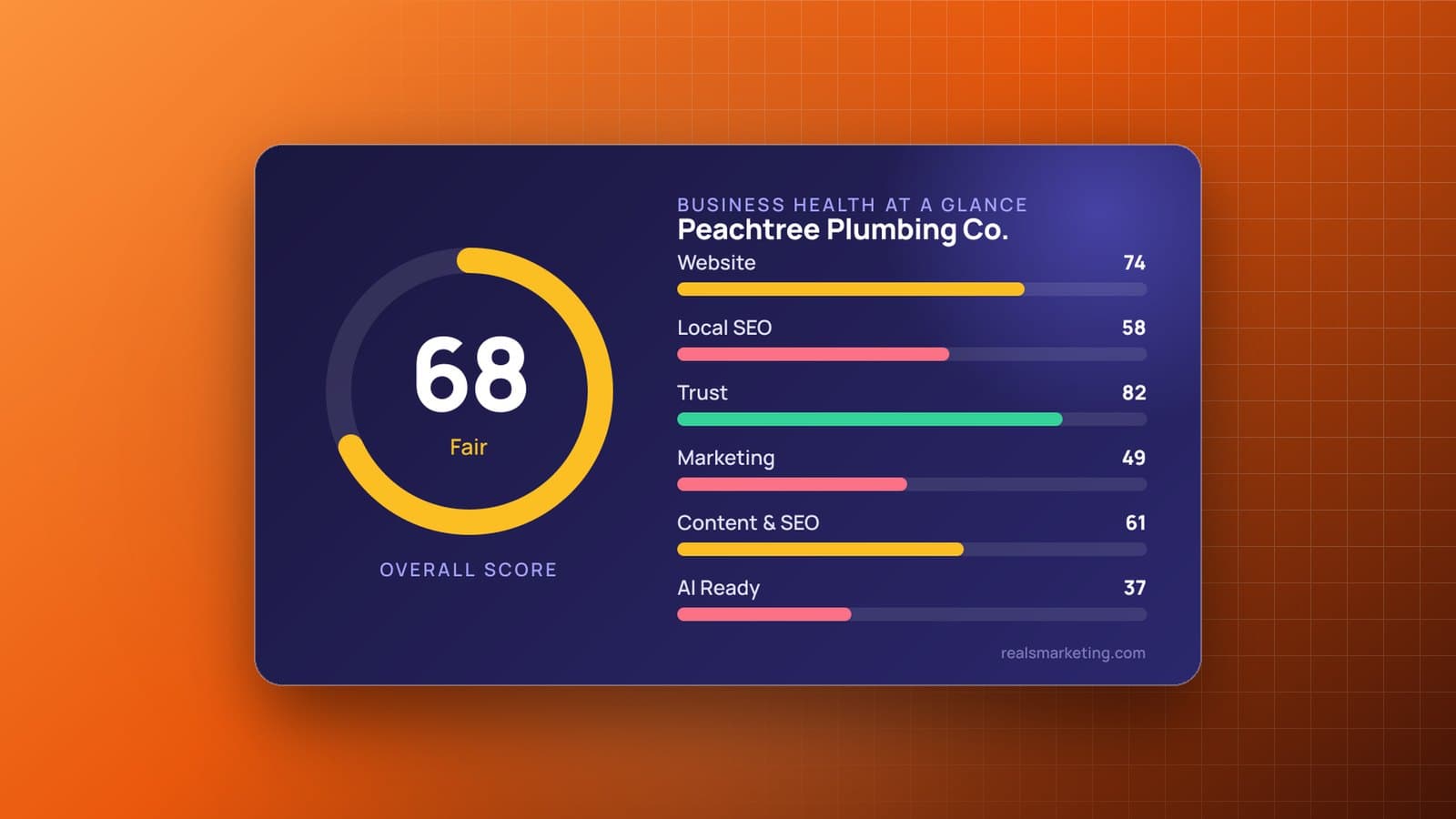
The free Business Health Report checks the six places customers look before they call you:
- Website: speed on mobile, click-to-call, forms that work, and whether people can tell what you do within a few seconds
- Local SEO: your Google Business Profile and whether you show up in map results for your town
- Trust: your rating, how recent your reviews are, and whether you reply
- Marketing: whether one-time visitors ever hear from you again
- Content: pages that answer the questions your customers actually ask
- AI readiness: whether ChatGPT, Google's AI Overviews and other assistants can find clear facts about you
All you need is your business name, your website and your city. It takes about 30 seconds, and you get an overall score plus a score for each area.
Step 2: Review your issues
A list of problems is only useful if you know what to do first. Set aside 15 minutes, open your report, and start with your lowest-scoring area. That's usually where the biggest, cheapest wins are.
Then sort every issue into one of three buckets:
| Bucket | What goes here | When to fix it |
|---|---|---|
| Broken | Wrong hours or phone number, dead contact forms, no click-to-call on mobile | Today |
| Closest to the sale | Google profile gaps, few or old reviews, unanswered reviews | This week |
| Build | New pages, blog posts, email, ads | This month and beyond |
Now pick your top three. Not ten. Three fixes you'll actually finish beat a perfect plan you never start.
Step 3: Fix and retest after one month
Work through your top three. Most owners can finish the "broken" fixes in an afternoon and the "closest to the sale" fixes within a week.
Then comes the step almost everyone skips: wait about 30 days and run the audit again.
Why a month? Because the internet needs time to catch up:
- Google needs time to recrawl your website and refresh your profile in search results.
- New reviews come in gradually once you start asking.
- AI assistants pick up new information from your site and listings over weeks, not hours.
When you retest, compare your scores area by area. Also look past the score at what matters most: calls, form fills, booking requests and the "directions" and "calls" numbers in your Google Business Profile.
If a score moved, you know the fix worked. If it didn't, you know where to look next. Either way, you're making decisions with evidence instead of hunches.
Quick wins you can do this week
Not sure where to start? These five take less than an hour each, and AI can do most of the writing:
- Reply to every review from the last six months. Ask AI to draft a short, personal reply to each one, then tweak it. Responding shows future customers that you care.
- Text five happy customers asking for a review. Send your Google review link with a friendly two-line message. Ask AI to write three versions and pick your favorite.
- Update your Google Business Profile. Check your hours, services, service area and categories, and add five recent photos of your work.
- Put click-to-call at the top of your mobile site. Most local customers are on a phone and ready to call. Don't make them hunt for your number.
- Answer your top five customer questions on your website. Write down what people ask on the phone, have AI turn your answers into a short FAQ, and publish it. That's exactly the kind of content Google and AI assistants love to quote.
Make it a habit
Smarketing isn't a one-time project. It's a loop: audit, review, fix, retest. Once you've done it once, repeat it every quarter and any time you change your website, services or location.
Every loop, you'll have a little less guesswork and a few more customers who found you because everything they saw online made it easy to choose you.
Frequently asked questions
What does "smarketing" mean?
Smarketing is short for smart marketing: checking what's actually working and what's broken before you spend more on marketing. Instead of guessing, you audit your online presence, fix the issues costing you the most customers, and measure the result.
How long does it take to see results from fixing my online presence?
Quick fixes like correcting your hours or adding click-to-call help right away. Changes to your Google Business Profile, reviews and website content usually take a few weeks to show up in search results, which is why it's worth retesting about a month after you make them.
Can I use AI tools to help with my small business marketing?
Yes. Tools like ChatGPT, Gemini or Claude are great for drafting review replies, writing your Google Business Profile description, turning customer questions into FAQ answers and planning a month of social posts. Always review and personalize what they write before you publish it.
Do I need to hire someone to fix the issues in my audit?
Not necessarily. Many of the highest-impact fixes, like updating your Google profile, asking for reviews and replying to them, are things an owner can do in an afternoon. For bigger jobs like website speed or new pages, you can hand the list to your web person or to RealSmarketing.

Written by
Danielle Major
Atlanta marketer and web designer with 15+ years helping small businesses get found and chosen. Creator of the RealSmarketing Business Health Report.
More about DanielleHow healthy is your business online?
Free report. Six scores and a fix-first plan in about 30 seconds.
Run free audit